

Nano Banana Pro is Google's advanced AI image generation model (Gemini 3 Pro) that creates high-resolution 4K images with accurate text rendering, multi-image composition, and precise local editing capabilities—now integrated directly into CarePhoto's chat-based interface.
Looking for a way to create professional 4K images without complex software? Google just dropped Nano Banana Pro, their new image generation and editing model built on Gemini 3 Pro. It does 4K output, accurate text inside images, multi-image compositions, and more control over lighting, camera, and local edits.
That's powerful — but most creators don't want to live inside dashboards, APIs, or dev tools.
That's why we brought Nano Banana Pro directly into CarePhoto.
Now you get the full power of Nano Banana Pro, wrapped in a chat-based editor. You talk to the AI like a creative assistant, and CarePhoto handles the model selection, prompts, and technical details for you.
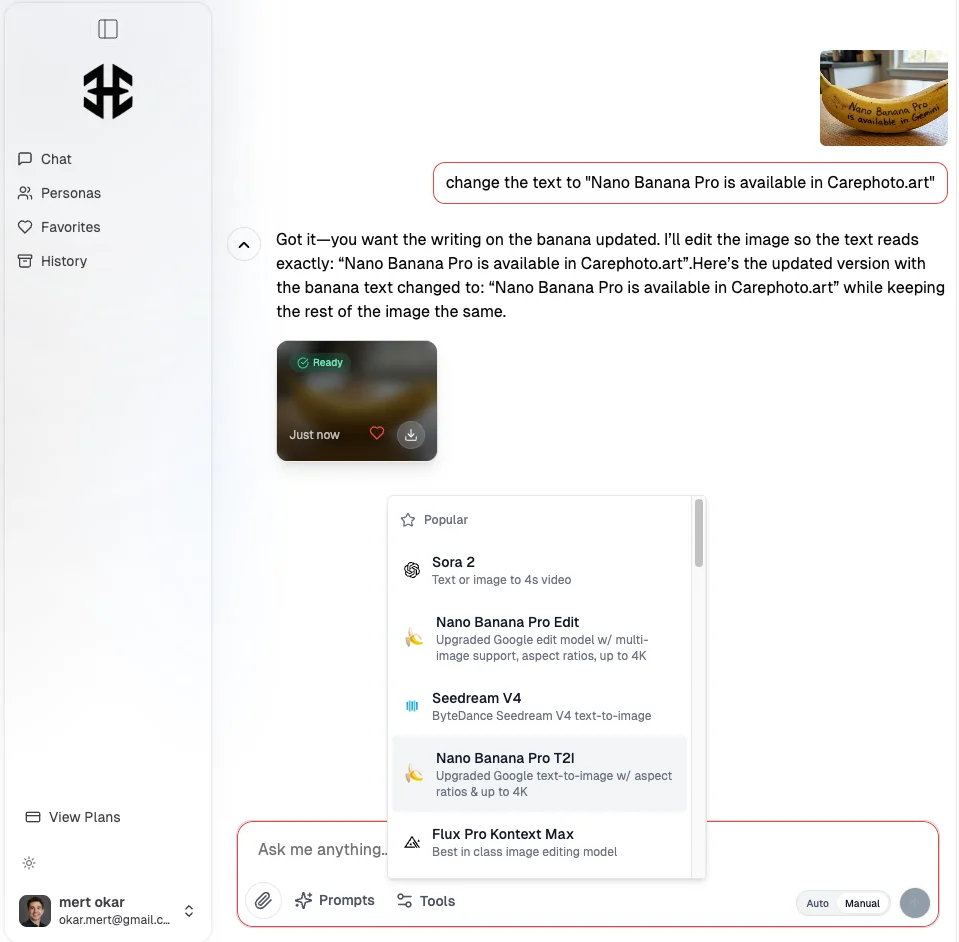
What Is Nano Banana Pro, in Plain Terms?
Nano Banana Pro is Google's next-generation image model designed for:
-
High-fidelity, professional visuals
-
Clean, legible text directly in the image
-
Better reasoning and "world knowledge" for charts, diagrams, and infographics
-
Multi-image compositions and character consistency
-
Higher resolutions (up to 4K) and flexible aspect ratios
On its own, you can access it through things like the Gemini app, Google AI Studio, and enterprise tools.
Inside CarePhoto, it becomes part of a bigger system:
-
You chat instead of tweaking sliders.
-
You can mix Nano Banana Pro with other models (Flux, Seedream, Imagen, GPT Image, etc.).
-
You run it through concrete use cases like AI product photos, dating portraits, Airbnb interiors, and posters.
So instead of "Which parameters do I choose?", the workflow becomes "Tell CarePhoto what you want, then refine."
What's New in Nano Banana Pro vs Nano Banana?
If you've already seen our post about the original Nano-Banana (Gemini 2.5 Flash Image), you know it's insanely fast and good at keeping characters consistent. Nano Banana Pro takes that base and pushes it into "studio" territory.
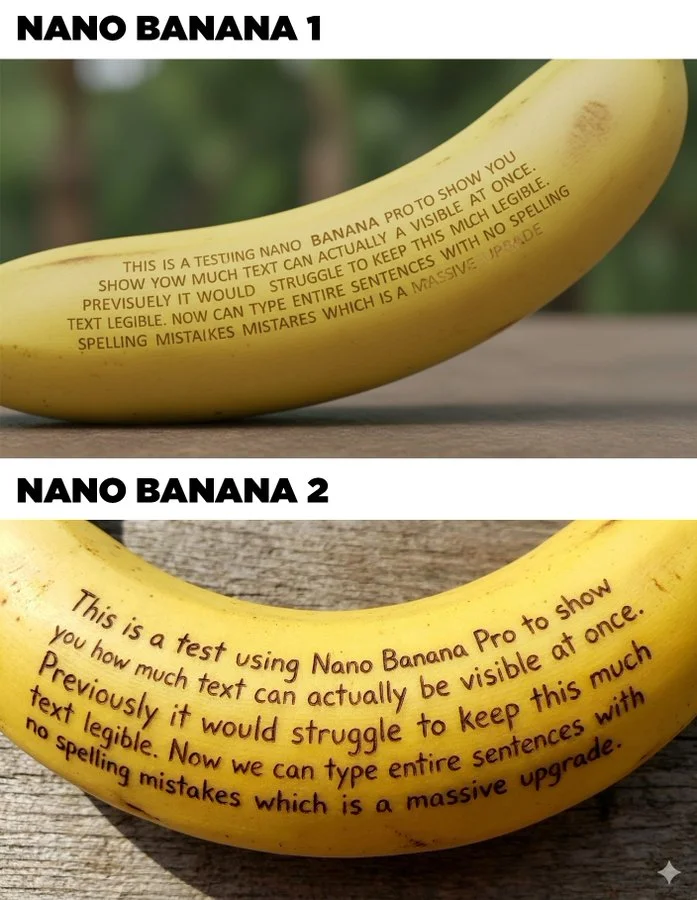
4K and High-Resolution Output
Nano Banana Pro supports:
-
Multiple aspect ratios
-
Resolutions up to 2K and 4K
That means:
-
Print-ready posters and hero images
-
Detailed product close-ups
-
Clean, sharp profile photos and banners
Inside CarePhoto, we route suitable workflows (like product photos, hero images, and posters) to Nano Banana Pro so you don't have to worry about which engine to pick.
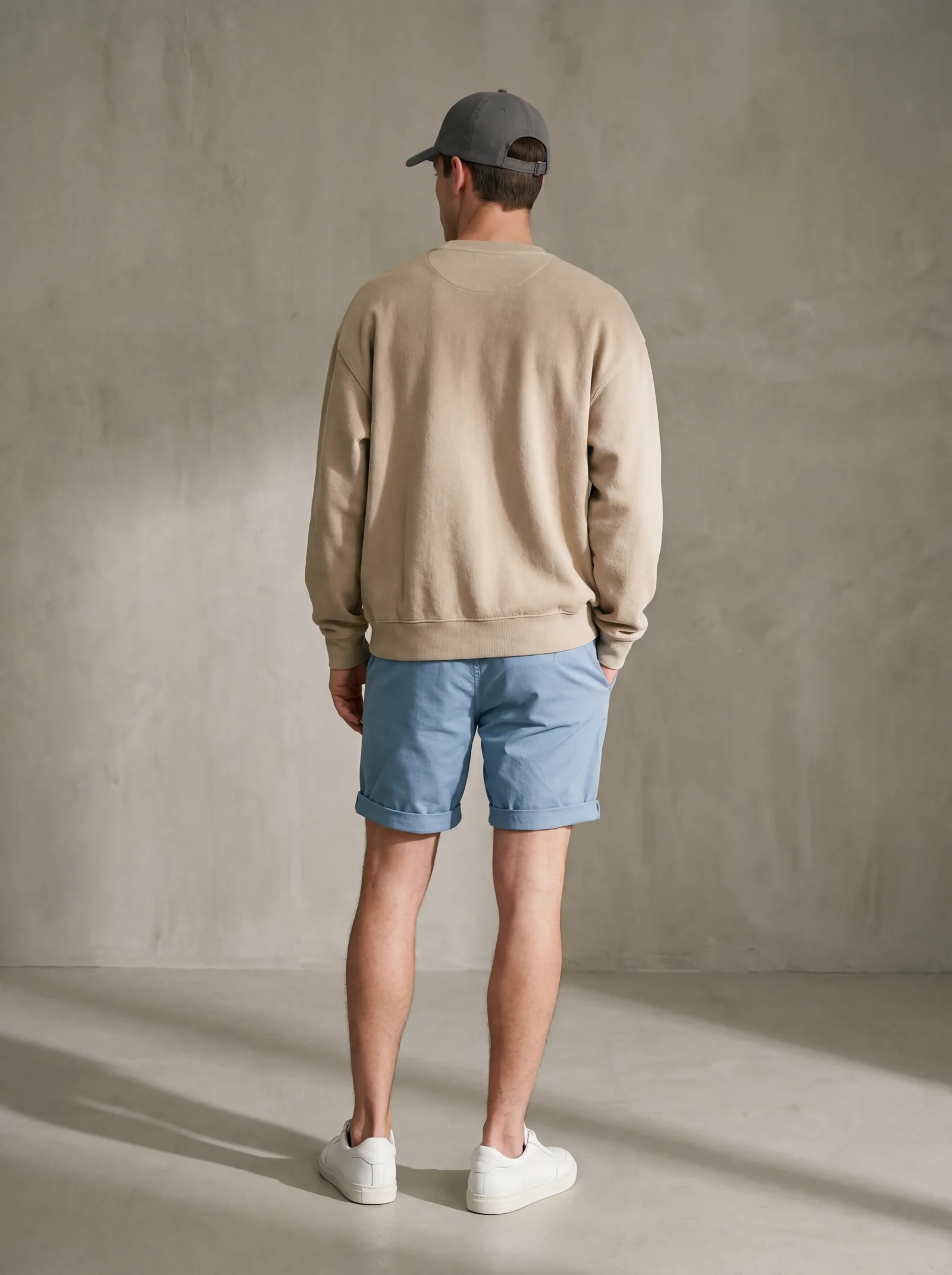
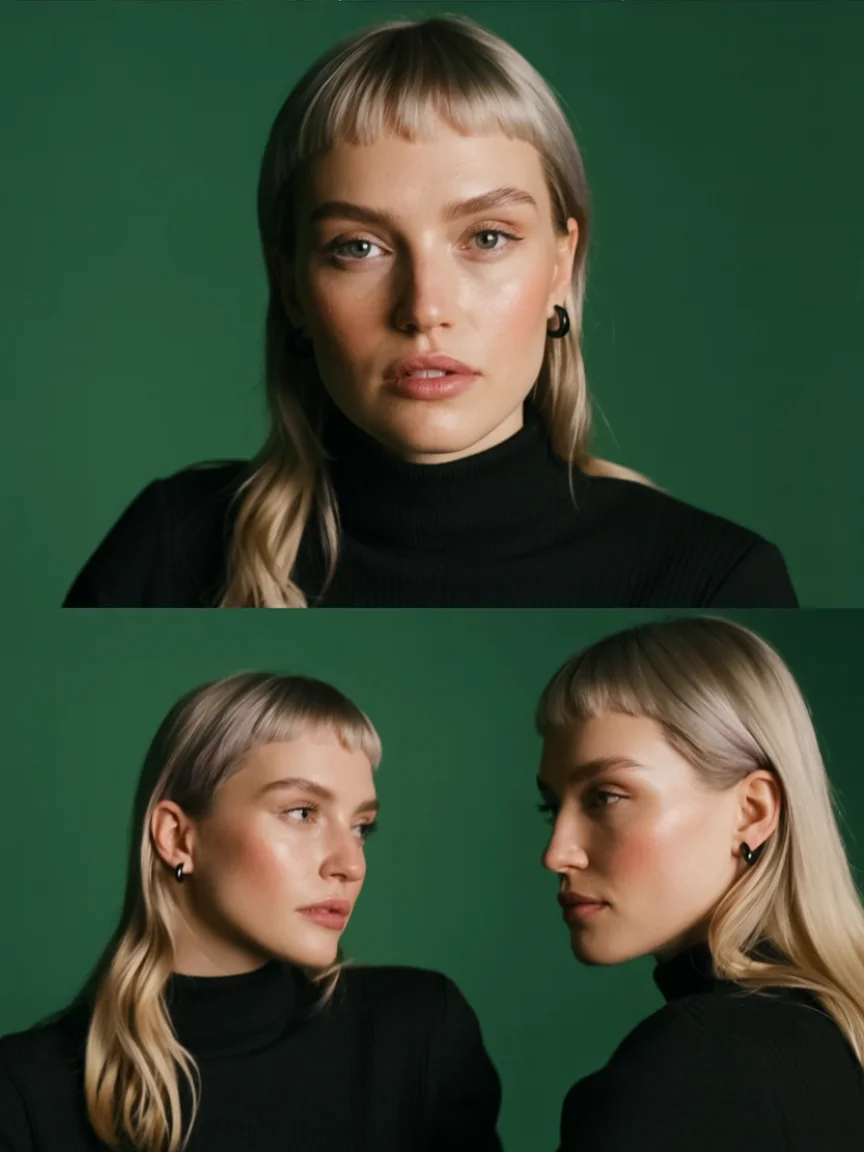
Multi-Image & Multi-Person Consistency
Nano Banana Pro can blend many input images while keeping up to several people consistent across a scene.
In practice, inside CarePhoto this is perfect for:
-
Generating a set of dating or LinkedIn photos with the same person in different outfits/backgrounds
-
Building brand sets: same product, multiple angles and scenes
-
Family or team visuals where everyone needs to look like themselves
You simply upload the photos, tell CarePhoto what you want ("Make 4 editorial portraits in the same style"), and we let Nano Banana Pro do the heavy lifting.
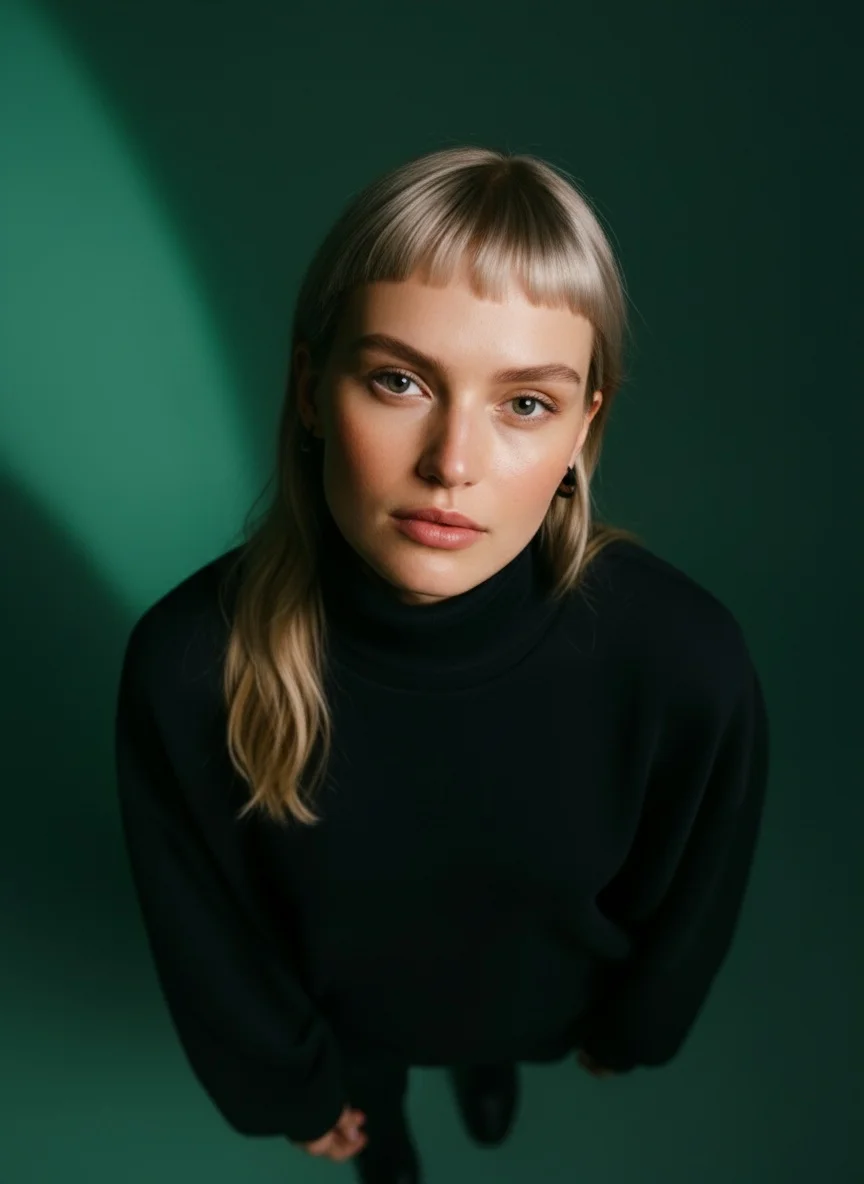
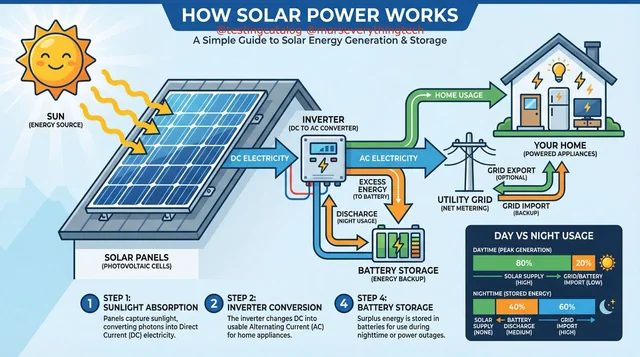
Text That Actually Looks Like Real Text
Nano Banana Pro is good at rendering text directly in the image:
-
Poster titles
-
Taglines and short paragraphs
-
Multilingual layouts
This is huge for:
-
Social media flyers
-
Event posters
-
Promo graphics and basic ad creatives
Instead of generating a background in one tool and adding text later in Canva or Figma, you can ask for everything in one shot and then refine with a second pass.
Local, Precise Edits — Not "Regenerate Everything"
Nano Banana Pro isn't just about generating from scratch. It's also strong at local edits:
-
Change the lighting (e.g. day → night)
-
Adjust the camera angle or crop without breaking the subject
-
Replace one object without nuking the scene
-
Tweak color grading to match your brand
CarePhoto exposes this through simple chat instructions:
"Keep everything the same, but make the lighting softer and more cinematic."
"Change just the background to a clean white studio wall."
"Replace the mug with a matte black cup, same position."
Before: Original image
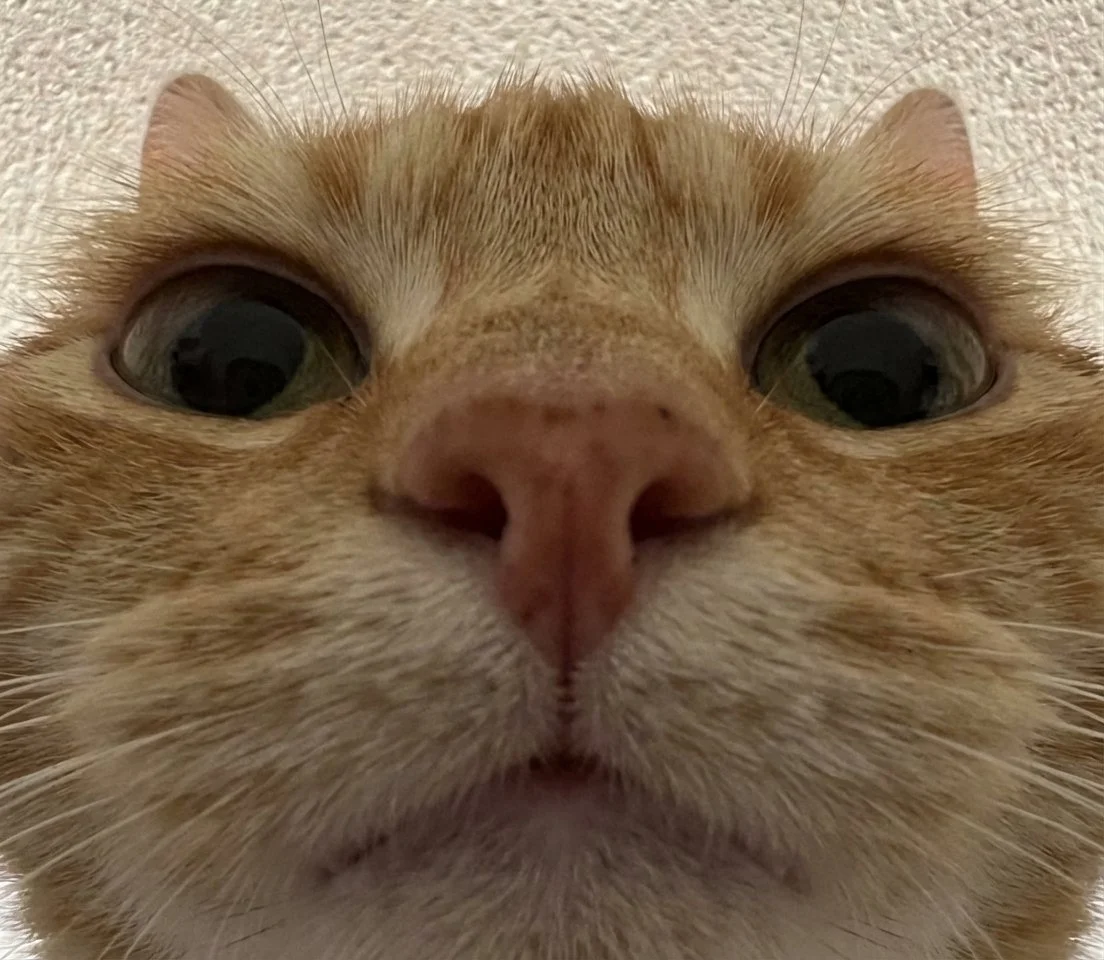
After: Local edit in 4K
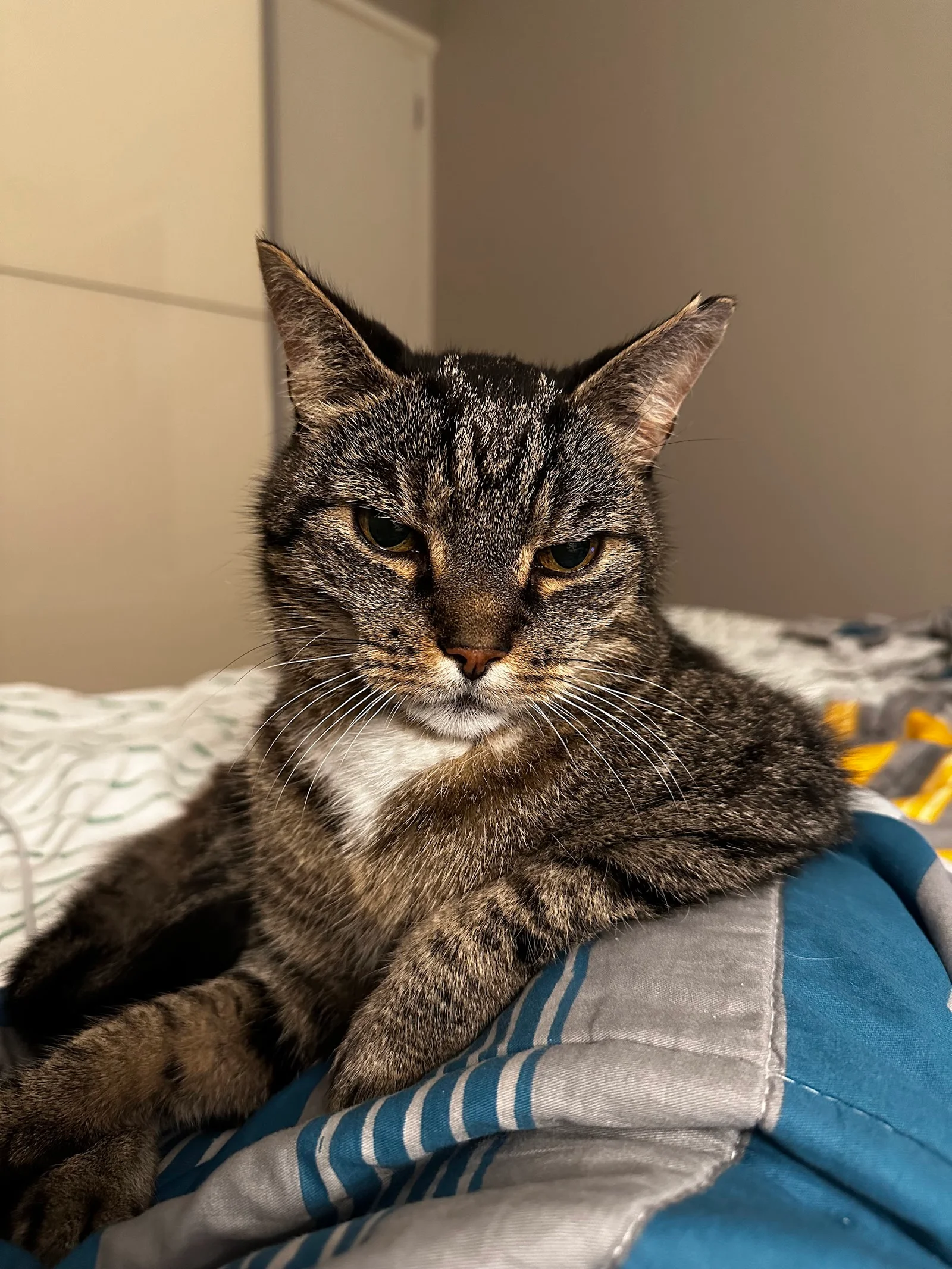
Original: Tabby cat
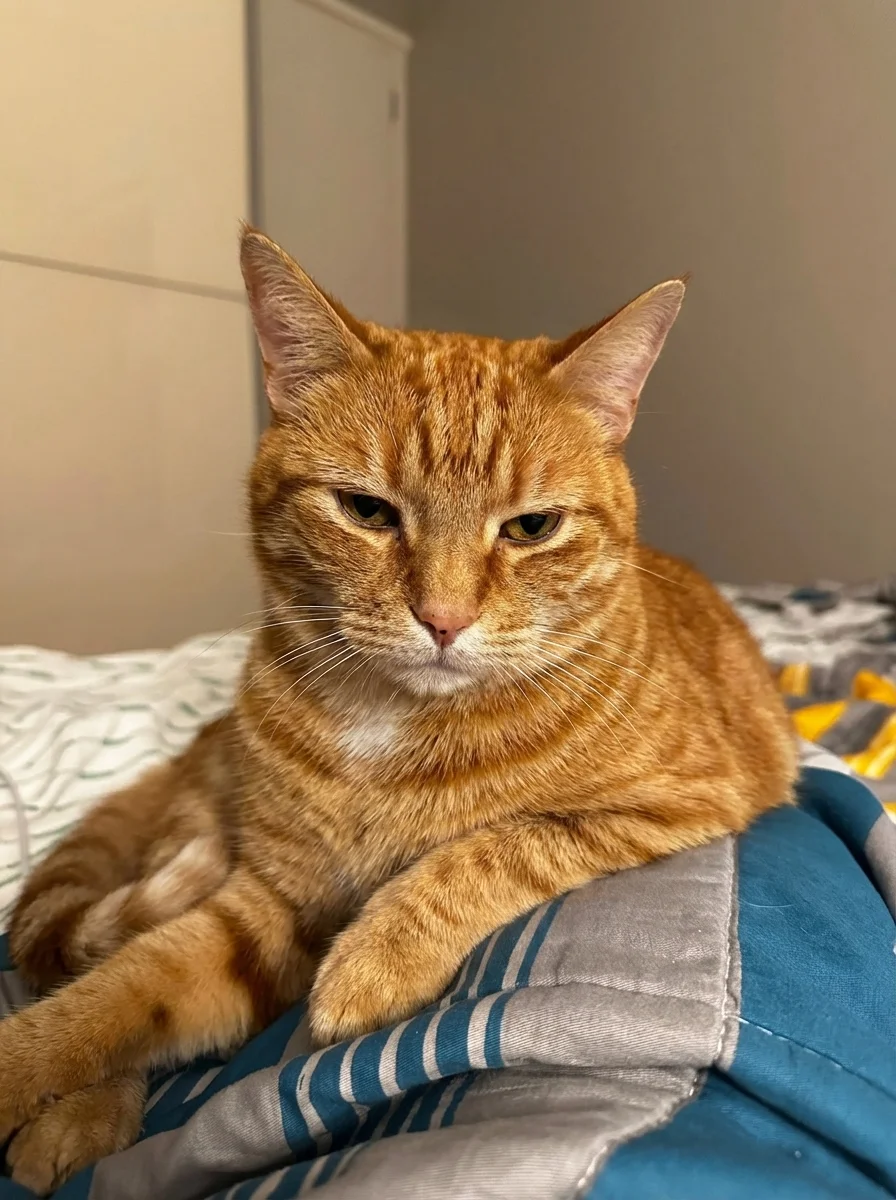
After: Color transformation
Why Use Nano Banana Pro Through CarePhoto Instead of Just Gemini?
You could absolutely use Nano Banana Pro via Gemini or AI Studio if you like building your own workflows.
CarePhoto is for the moments where you just want results fast.
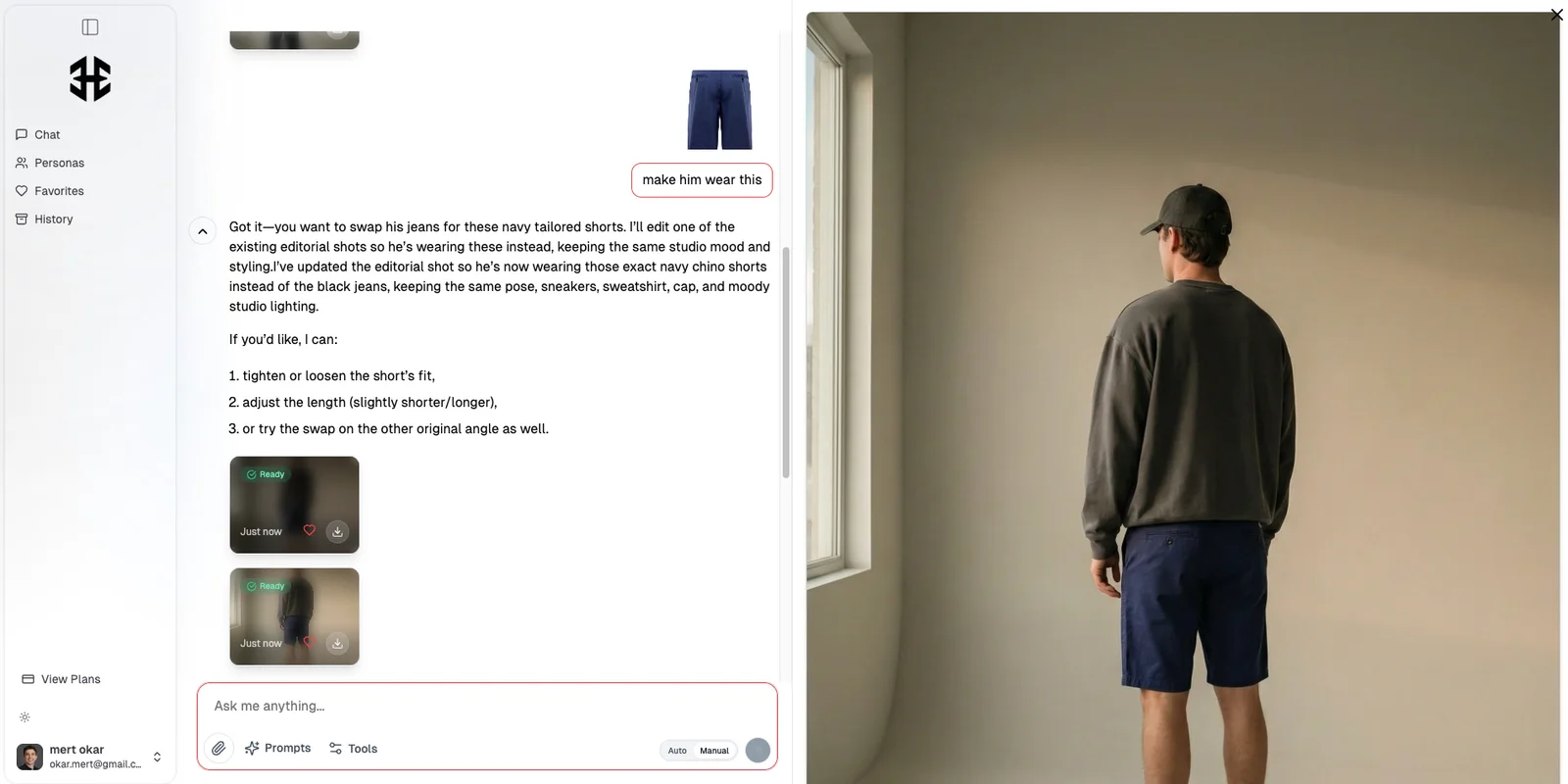
1. Chat Instead of Panels
CarePhoto is built around a chat-based editor:
-
Upload your photo(s) or start from text.
-
Describe what you want.
-
Get an output you can iterate on with more messages.
No complex menus, no "advanced panel" you have to learn. You stay in one conversation per project — like talking to a junior retoucher who actually listens.
2. Prompt Library and Use-Case Shortcuts
You don't need to be a prompt engineer to get good images.
Inside carephoto.art you can:
-
Browse a free prompt library with hundreds of ready-made prompts for fashion, portraits, products, interiors, and more.
-
Start from pre-defined flows like:
-
AI Product Photography
-
Dating App Photos
-
Professional Headshots
-
Artistic Portraits
-
Interiors / Airbnb style
-
CarePhoto wires these flows to the right models under the hood, including Nano Banana Pro when you need higher resolution, text rendering, or complex scenes.
3. Built-In Models Beyond Nano Banana Pro
Nano Banana Pro is one of several engines you can tap into. CarePhoto also connects you to:
-
Seedream V4 (ByteDance) for 2K/4K text-to-image and editing
-
Flux variants for stylised and editorial looks
-
Imagen 4 and GPT Image for additional generations
-
Video models (like Kling and Sora access on higher plans) for image-to-video animations
You use one interface; CarePhoto picks the right model and config.
4. Privacy & Safety by Default
CarePhoto is set up with strict privacy:
-
Clear retention: photos you add to a chat are kept while your account is active, and you can delete saved images at any time
-
Your images are not used to train our models
-
Encrypted uploads and downloads
You get cutting-edge models like Nano Banana Pro without giving up long-term control of your images.
Nano Banana Pro in Action: 4 Real Workflows Inside CarePhoto
Let's make this concrete. Here's what Nano Banana Pro actually looks like when used through carephoto.art.
1. 4K Product Photos from a Single iPhone Shot
Use case: you've shot a few quick photos of your product on a desk, but you need Amazon-ready or Shopify-style shots.
Typical flow:
-
Upload 1–3 photos of your product.
-
In chat, say something like:
"Turn this into an Amazon-ready hero image: white background, soft shadow, centered product, 4K, keep the label perfectly sharp and readable."
-
Ask for variations:
"Now create 3 lifestyle scenes for Shopify — same product, wooden bathroom shelf, warm light, minimal props."
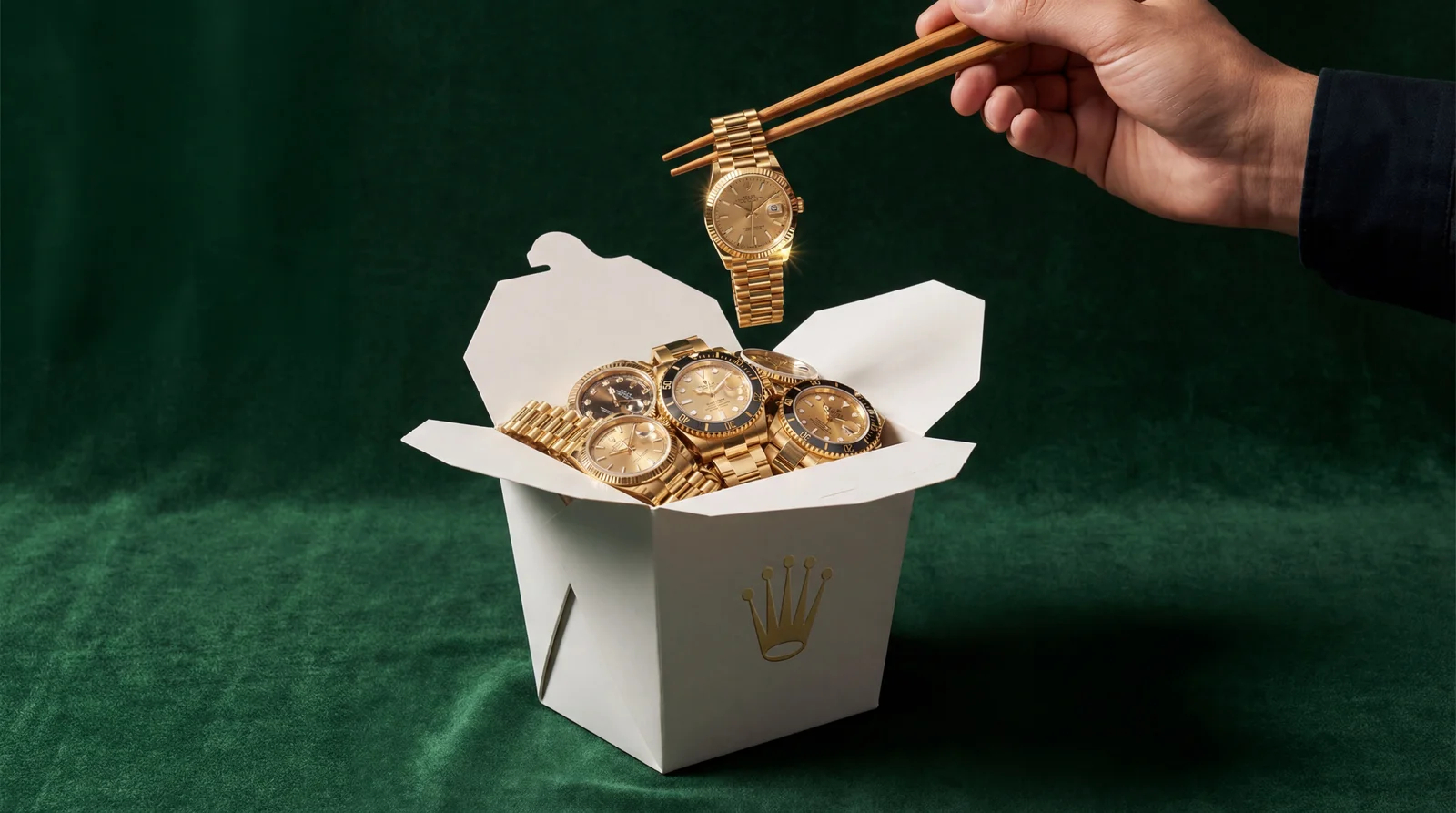
Behind the scenes, CarePhoto routes this to Nano Banana Pro (and other models when helpful) to get clean edges, realistic shadows, and high resolution.
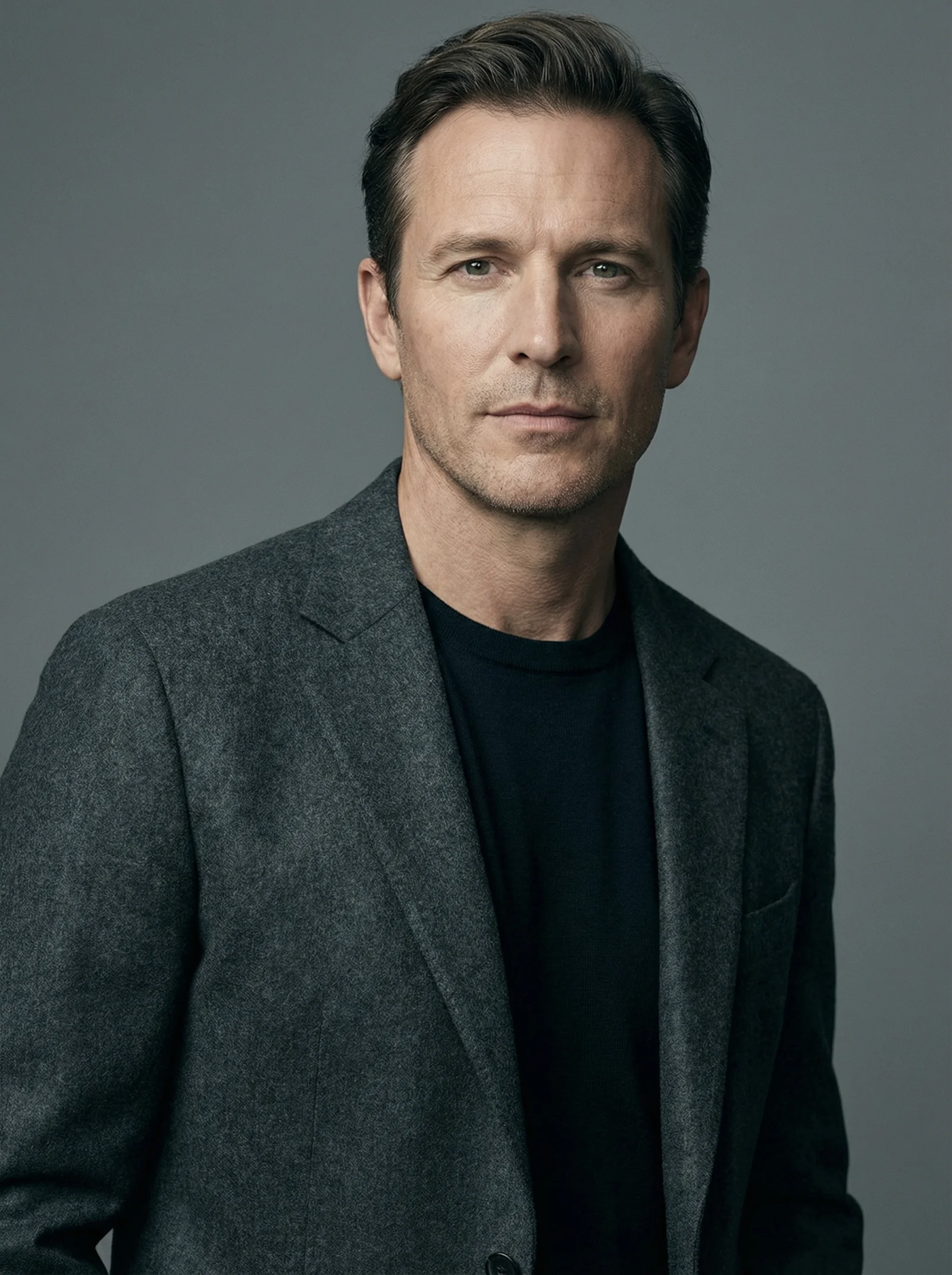
2. Consistent Dating / LinkedIn Portrait Sets
Use case: you want a set of photos that all look like the same person, but with different vibes for dating apps vs professional platforms.
Flow:
-
Upload 5–10 selfies or portraits of yourself from different angles.
-
In chat, say:
"Create 4 LinkedIn-style portraits: smart casual outfit, soft studio light, neutral background, 4K."
-
Then:
"Now make 4 dating app photos: outdoor sunset, urban street, fun but still realistic. Same face and overall look."
Nano Banana Pro helps keep your identity consistent across all outputs while still changing angles, outfits, and backgrounds.
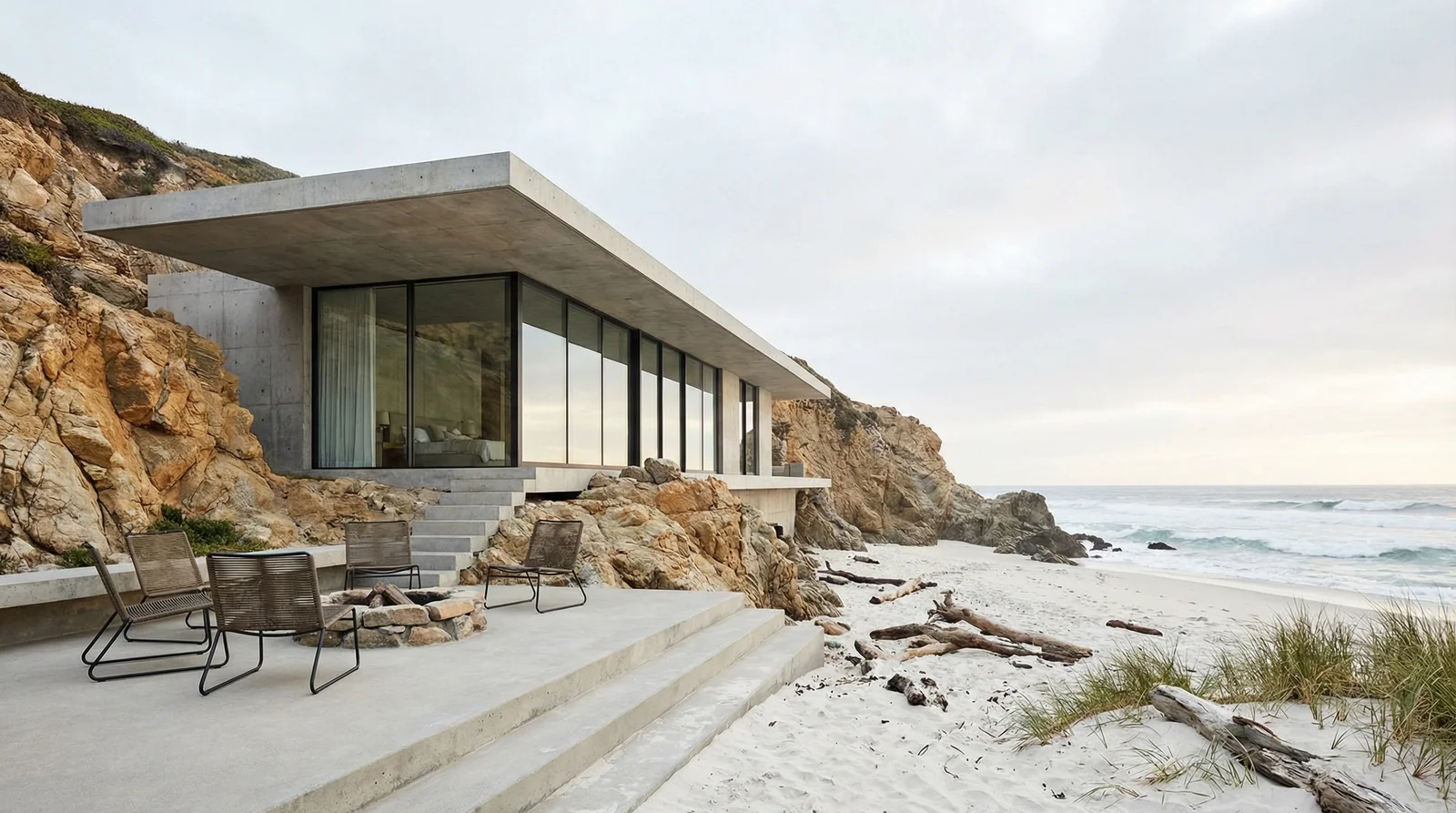
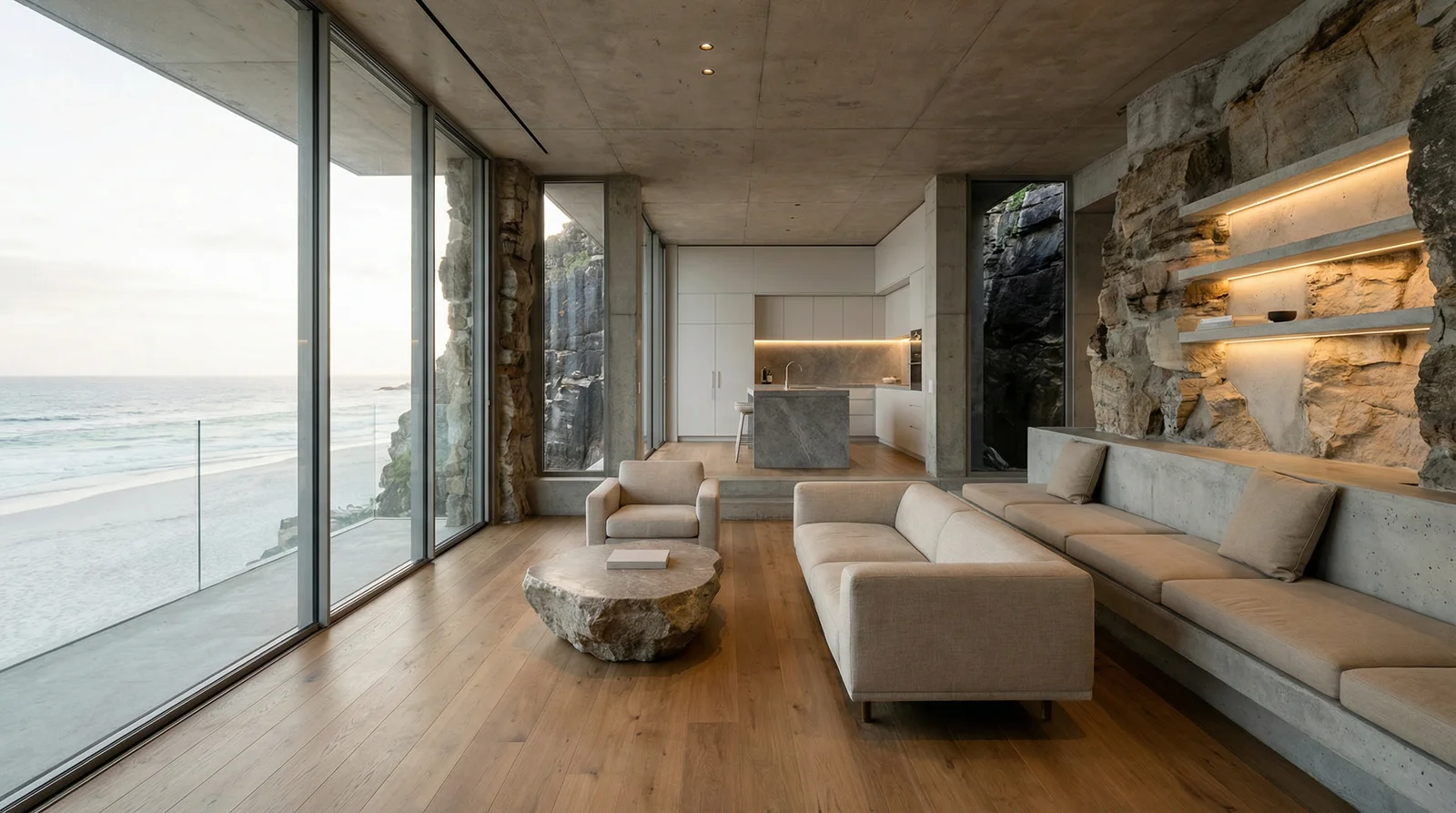
3. Airbnb & Interior Makeovers
Use case: you have a basic room photo and want more polished, styled visuals.
Flow:
-
Upload your room photo.
-
Ask CarePhoto:
"Restyle this as a Scandinavian Airbnb living room: clean lines, wood furniture, neutral palette, natural window light, 16:9 hero shot suitable as a listing cover."
-
Iterate:
"Make a second version with a darker, boutique-hotel vibe, same layout and camera angle."
Nano Banana Pro's control over lighting and detail helps produce realistic, 4K-ready interior shots you can use as inspiration or for marketing visuals (within the platform's content policies).
Exterior: Modern seaside house
Interior: Seaside living room
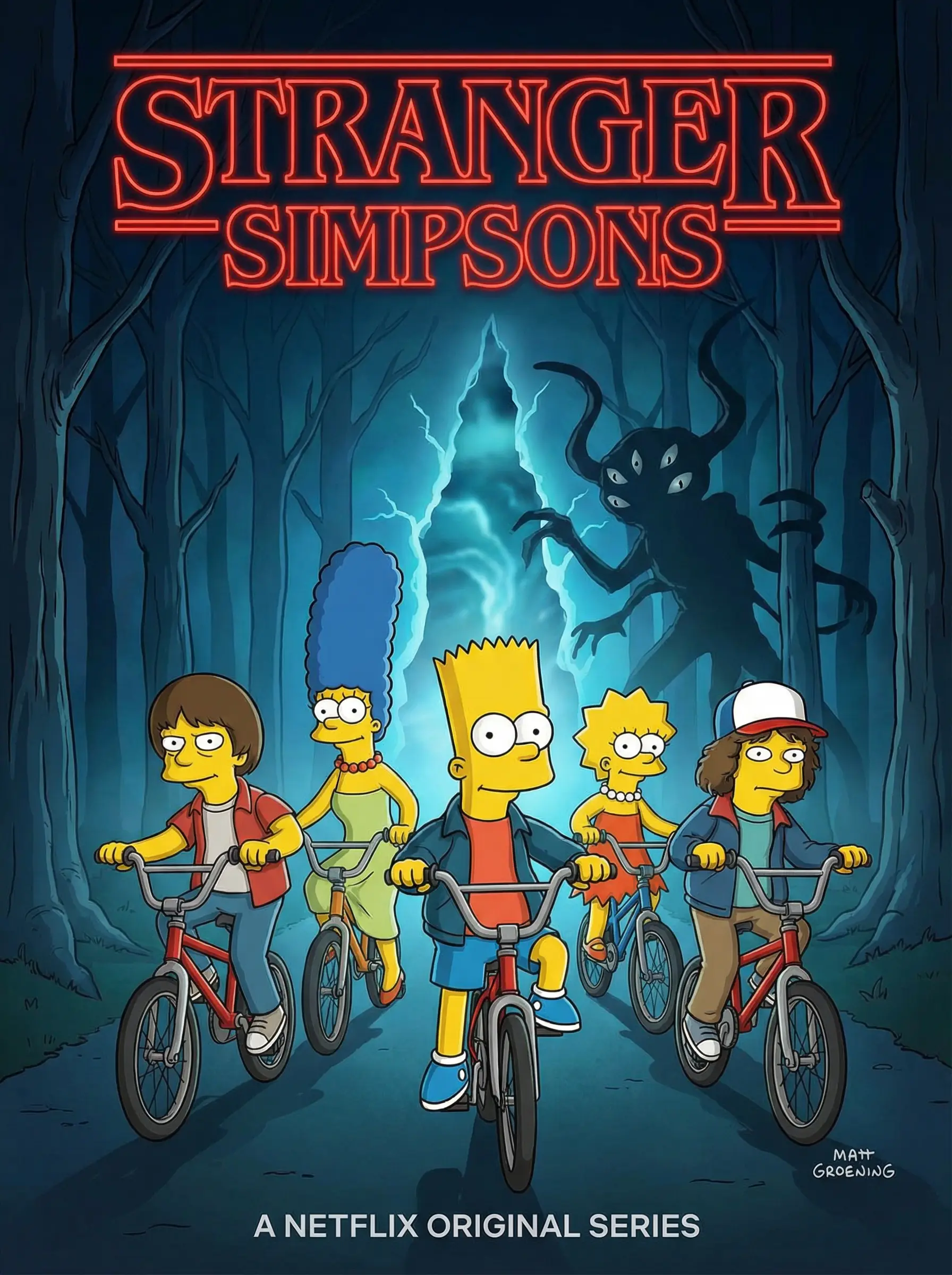
4. Posters & Social Graphics with Clean Text
Use case: you want a flyer, poster, or story graphic that doesn't require jumping into a design tool.
Flow:
-
Start from text only or from a base photo.
-
Prompt example:
"Create a 4K vertical poster for a local coffee shop event called 'Night Roast Sessions'. Cozy interior, people chatting, neon reflections on the window. Big, readable title at the top, smaller subtitle at the bottom with placeholder text."
-
If something isn't perfect:
"Keep the layout and style, but make the title larger and easier to read. Use a clean sans-serif font look."
You get visuals where the text is baked directly into the image, and you can still refine with more messages.
How to Use Nano Banana Pro in CarePhoto (Step by Step)
You don't have to do anything special to "enable" Nano Banana Pro. It's part of the normal editing and generation flow.
Step 1 – Upload or Start from Text
-
Upload one or more photos, or
-
Start from a text-only idea if you're generating new images.
If you're editing, try to upload:
-
Clear, well-lit photos
-
A couple of angles if possible
-
For people: multiple expressions and backgrounds help the system learn your look
Step 2 – Pick a Use Case or Just Start Chatting
From the home or features pages, you can jump into a specific flow:
-
Glamour & Style
-
Face Transfer, Virtual Try-On, etc.
Or you can just open the chat and start typing what you want. CarePhoto will still route the request through the right model (including Nano Banana Pro when needed).
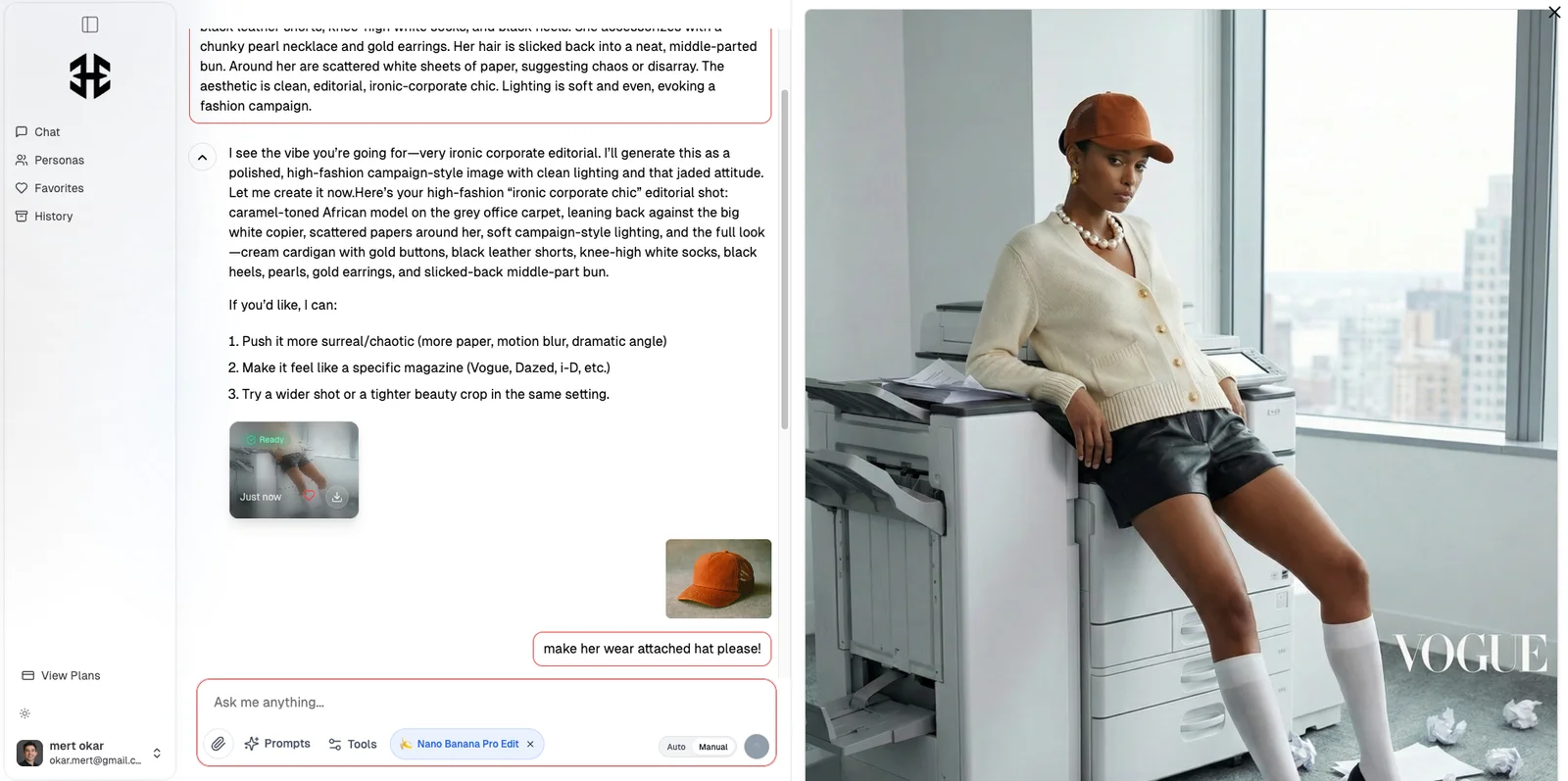
Step 3 – Refine with Natural Language Commands
Once you get an initial result, treat it like a conversation:
Examples tailored to Nano Banana Pro:
-
Product
"Make this 4K and add a very soft, realistic shadow under the bottle. Keep the label exactly as it is."
-
Portraits
"Create 3 more angles with the same person, subtle differences in pose, keep lighting and outfit consistent."
-
Poster / graphic
"Keep the layout, but change the title to 'Urban Night Run' at the top. Make the text sharp and readable on mobile."
Each follow-up message nudges the model while preserving context.
Plans & Pricing: Where Nano Banana Pro Fits
You can start testing CarePhoto with a free signup, then choose a paid plan when you need more volume.
All current paid plans include photo editing using Google Nano Banana Pro and access to multiple advanced models:
-
Basic-Plus
-
Up to 100 images/month
-
1 persona
-
Nano Banana Pro editing
-
Standard photo quality + Kling video credits
-
-
Modern
-
Up to 250 images/month
-
2 personas
-
Nano Banana Pro editing
-
Higher photo quality + more video credits
-
-
Impressionist
-
Up to 500 images/month
-
3 personas
-
Nano Banana Pro editing
-
Super high photo quality + Sora-level video access
-
You don't have to manage separate Gemini subscriptions or API keys. You pay for CarePhoto, and we handle access to Nano Banana Pro and the rest of the model stack.
Who Gets the Most Value from Nano Banana Pro Inside CarePhoto?
A few groups benefit a lot from this combo:
-
Creators & influencers
Need fast, on-brand visuals without learning Photoshop or Unreal. Nano Banana Pro helps with clean text layouts, cinematic scenes, and 4K exports.
-
E-commerce sellers & DTC brands
Want consistent product photos across hundreds of SKUs, marketplace-compliant backgrounds, and quick lifestyle variations.
-
Job seekers & professionals
Want better LinkedIn and CV photos without booking a photographer. Upload a few selfies, get studio-style portraits out.
-
Hosts, real-estate, and small businesses
Need high-impact visuals for Airbnb, listings, or local marketing without a full creative team.
If you recognise yourself in one of these, Nano Banana Pro + CarePhoto is probably a good fit.

FAQ: Nano Banana Pro in CarePhoto
Do I need a separate Gemini or Google AI subscription?
No. Access to Nano Banana Pro is handled inside CarePhoto's own plans. You just use the editor like normal.
Can I still use other models like Flux or Seedream?
Yes. CarePhoto exposes a range of models. Nano Banana Pro is one tool in the toolbox. For some styles (editorial, highly stylised, etc.), we may lean on other engines.
Are my photos stored or used for training?
CarePhoto keeps photos you add to a chat while your account is active, and you can delete saved images at any time. Your images aren't used to train our models, and transfers are encrypted.
Do I get 4K exports on every plan?
Nano Banana Pro can generate up to 4K. Actual export limits depend on the plan and use case. As a rule of thumb: higher-tier plans unlock more high-res runs.
What's the difference between Nano Banana and Nano Banana Pro in CarePhoto?
-
Nano Banana: faster, fun edits, and great identity consistency (we already use it in several flows).
-
Nano Banana Pro: more control, better text rendering, more complex compositions, and higher resolution.
CarePhoto decides which one to use based on what you're doing.
Wrap-Up: All the Power of Nano Banana Pro, None of the Friction
Nano Banana Pro is the most capable Google image model so far. On its own, it's impressive. Combined with CarePhoto's chat interface, prompt library, multi-model stack, and privacy-first design, it turns into a very practical daily tool.
If you want:
-
4K visuals without wrestling with configs
-
Consistent portraits, products, and interiors
-
Posters and graphics where the text is actually readable
-
A simple "talk to the editor" workflow
…then it's worth trying Nano Banana Pro inside CarePhoto.
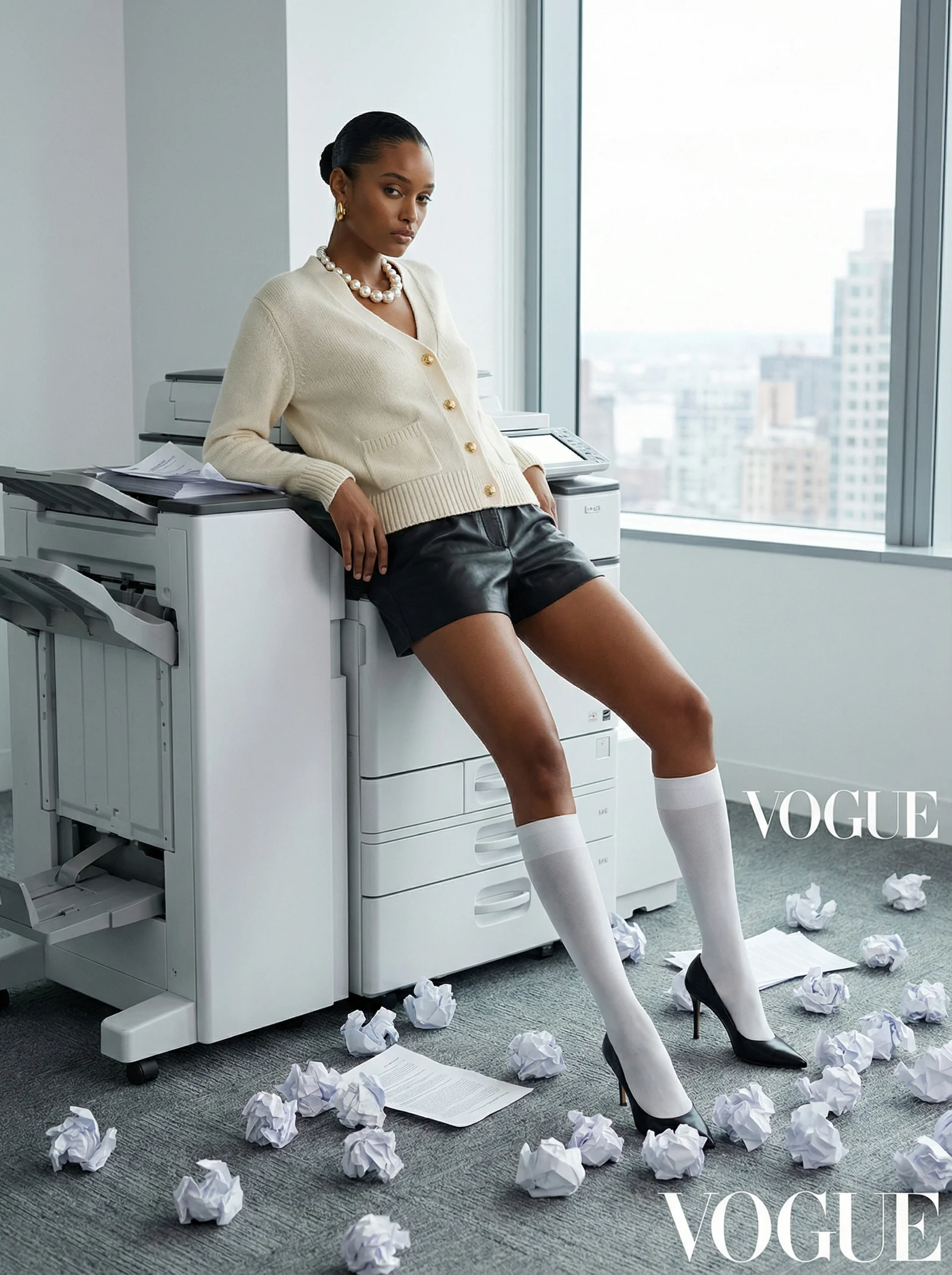
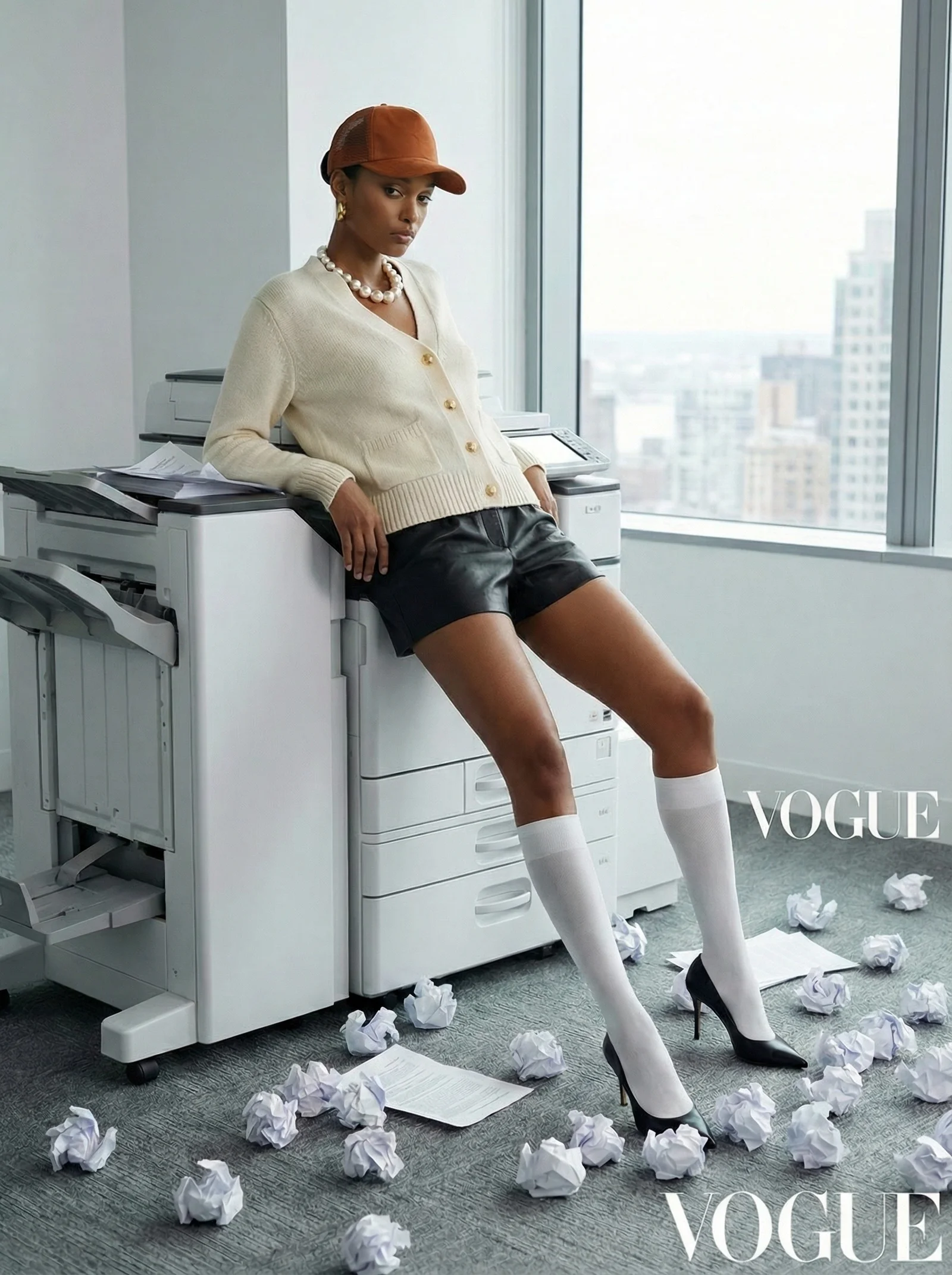
Next step: open carephoto.art, upload one photo, and ask for something ambitious.
The model stack — including Nano Banana Pro — will meet you there.