

{/* SEO Keywords: primary=ai product photos; secondary=ai product photography for ecommerce, improve Etsy photos, DIY product shots */}
Why Visuals Rule on Etsy
Below are five battle-tested tactics—powered by Carephoto’s AI product photography—that can help your listings cut through the noise.
1️⃣ Showcase Consistent, On-Brand Backgrounds
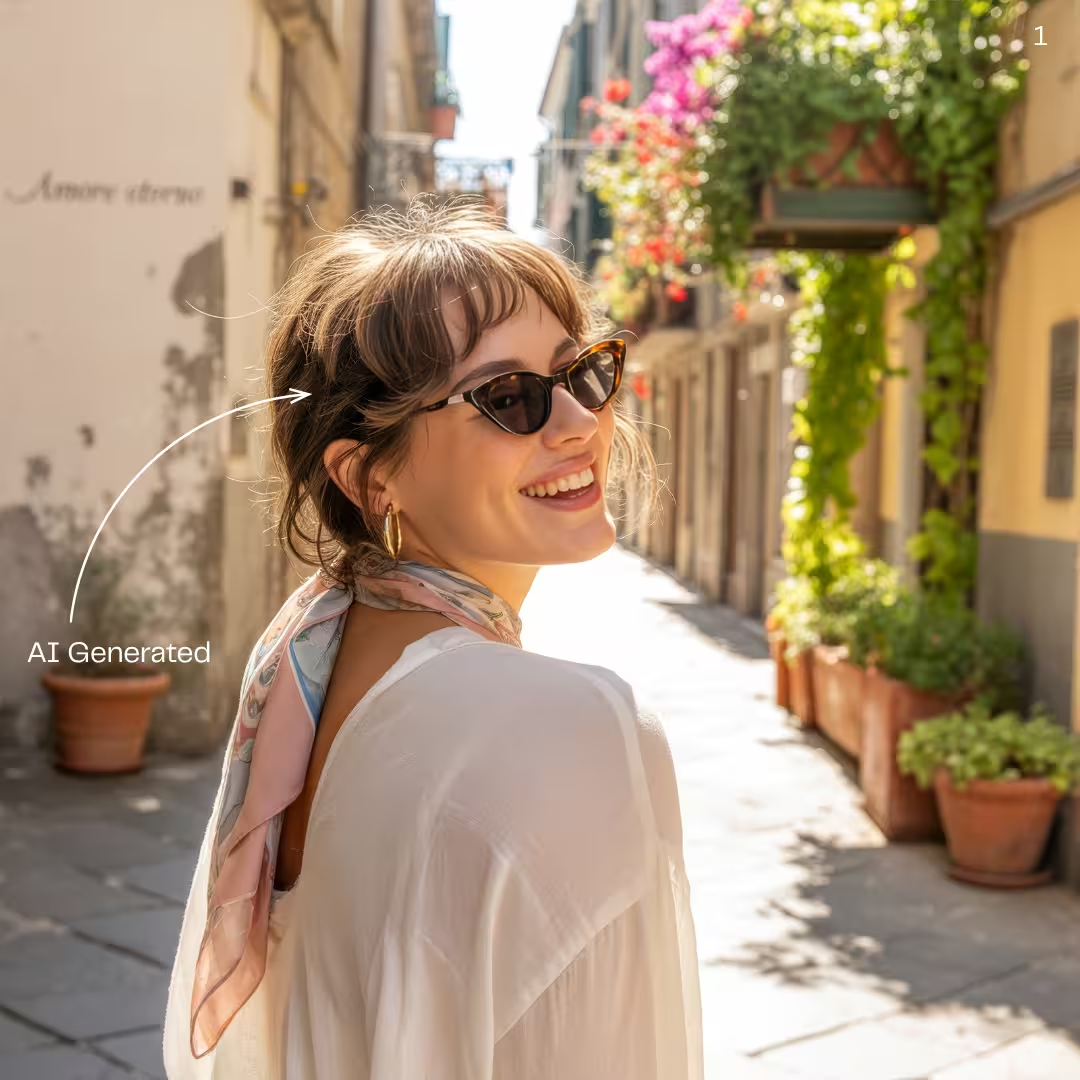
Clean, uniform backgrounds stop the dreaded “Instagram yard-sale” look and make your shop feel premium.
- How to do it in Carephoto: Upload your DIY product shots → prompt: “white marble slab background, soft diffused daylight, shadow-mapped”.
- Alt-text suggestion:
handmade_ceramic_mug_white_marble_background_ai_product_photo(≤ 125 char).
2️⃣ Use Lifestyle Mock-ups to Spark Imagination
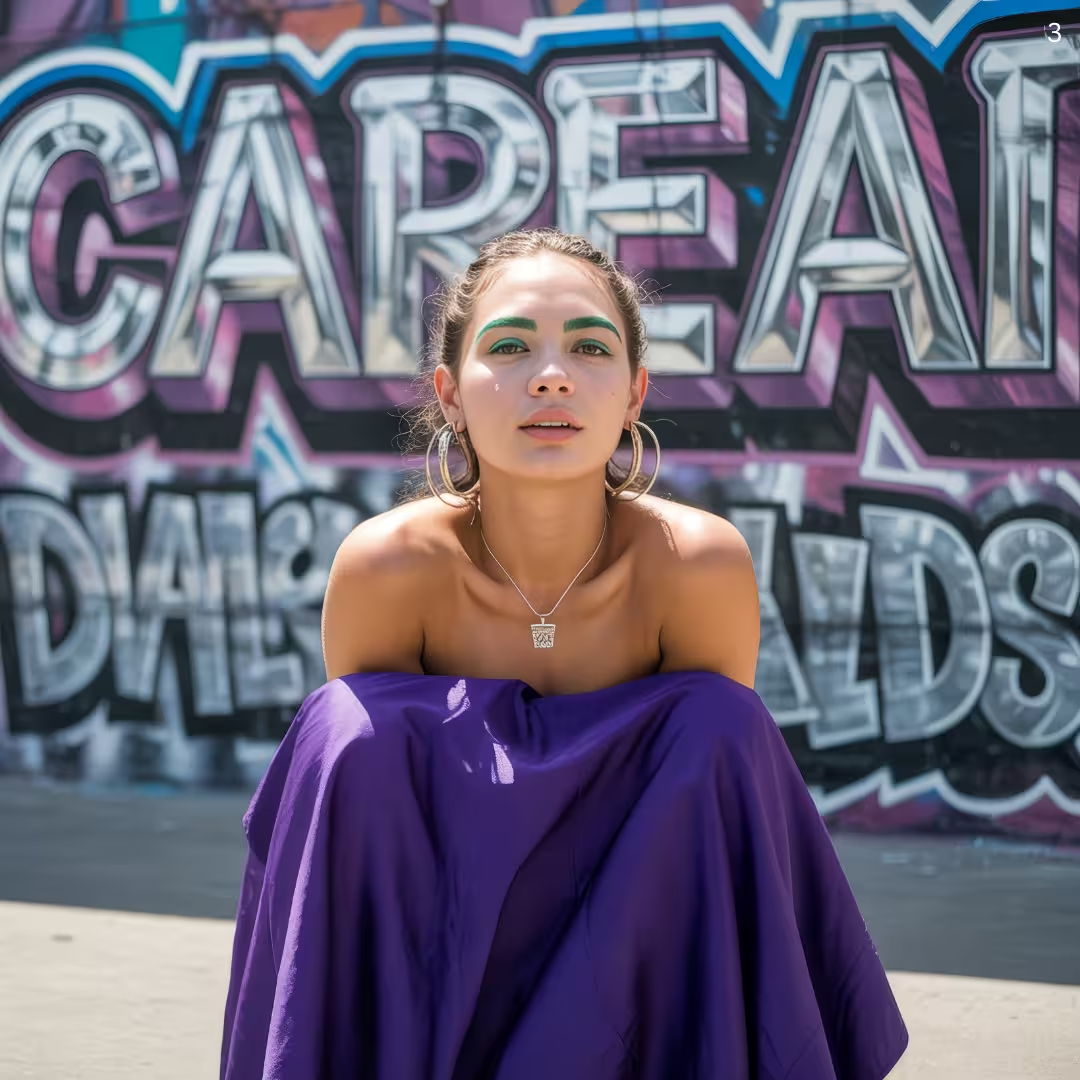
People buy lifestyle, not objects. Generate in-context shots—think a scented candle glowing on a cozy desk.
- Prompt idea: “boho home office, candle lit, warm sunset hue, depth-of-field”.
- Pin these as Pinterest-friendly vertical images (1000×1500) to repurpose on social.
3️⃣ Test Seasonal & Color Variations Instantly
From Valentine’s pink to Christmas crimson, seasonal palettes trigger emotional buys.
- Spin up a batch in minutes; A/B test in Etsy’s Listing Photo Rotation.
- Keep filenames keyword-rich:
ai_product_photos_valentines_mug.jpg.
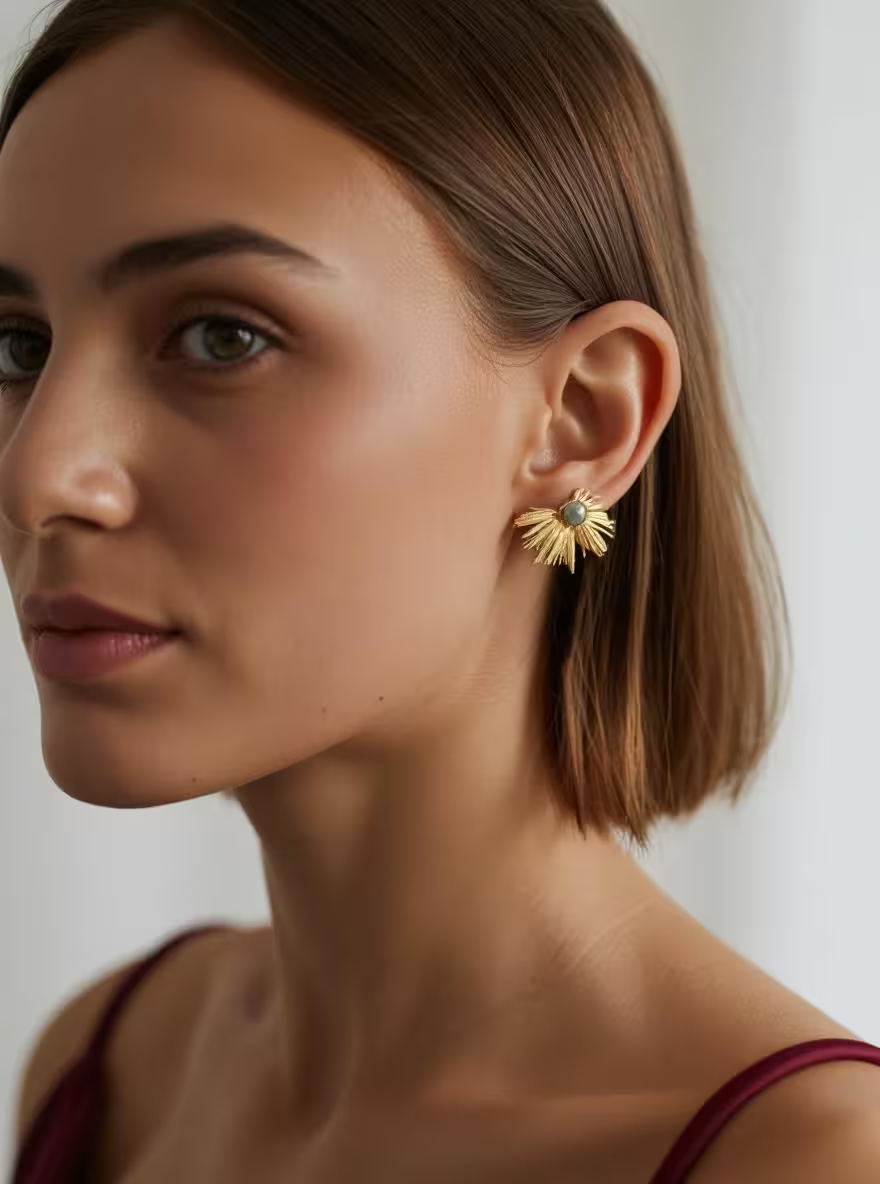
4️⃣ Zoom-Friendly Detail Shots for Mobile Shoppers
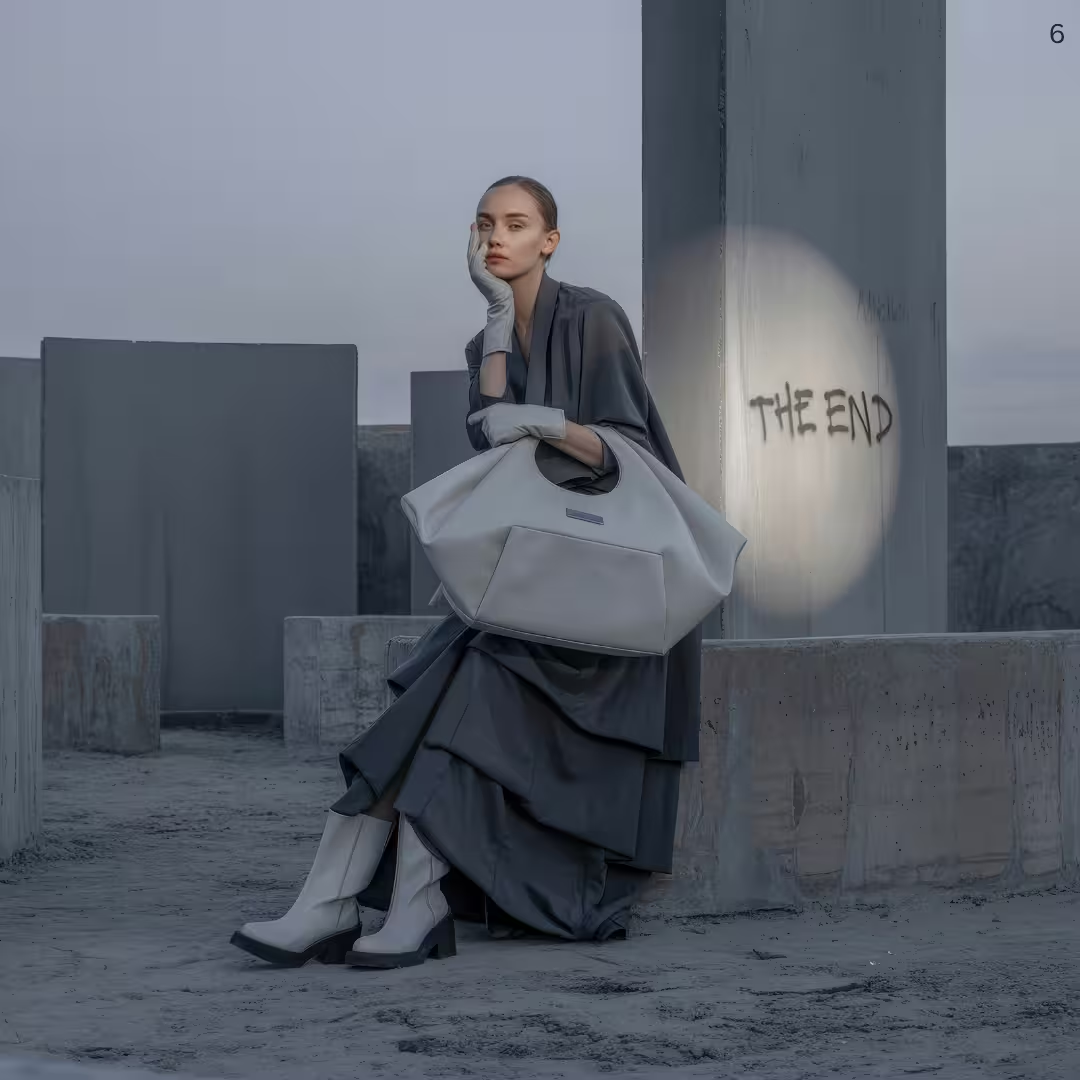
- Use close-ups on the second or third image slot.
- Alt-text suggestion:
close_up_ai_photo_handstitched_leather_wallet_texture.
5️⃣ Create Scroll-Stopping Animated Before-After Reels
Turn a plain DIY shot into an AI-enhanced masterpiece, then stitch them into a 5-sec GIF. Etsy shows animation thumbnails on hover—instant eye-magnet.
- Bonus: recycle the reel on Instagram Reels or TikTok.
Step-by-Step: Generating AI Product Photos in Carephoto
- Upload 2-3 high-resolution DIY product shots (natural light works best).
- Choose a template or type a custom prompt (e.g., “minimalist clay backdrop, top-down, studio lighting”).
- Generate & iterate until satisfied—additional iterations.
- Export in Etsy-perfect 2000 × 2000 px, ≤ 1 MB JPEG.
Pro-tip: Mix at least one square hero, one vertical lifestyle (for Pinterest), and one detail zoom.
FAQs About AI Product Photography for Ecommerce
Q: Will AI photos look fake or mislead buyers?
A: Use realistic prompts and keep colours true to life. Always include at least one unedited photo for transparency.
Q: Does Etsy allow AI-generated images?
A: Yes, as long as the photo accurately represents the product and isn’t copyrighted content you don’t own.
Q: How much does Carephoto cost vs. a pro shoot?
A: Check the current Carephoto pricing for plan and credit details, then compare it with the cost of your own photography workflow.
Ready to Improve Your Etsy Photos?
👉 Generate AI Product Photos Now — get 10 free credits, no card required.
Stop the scroll. Start the clicks.